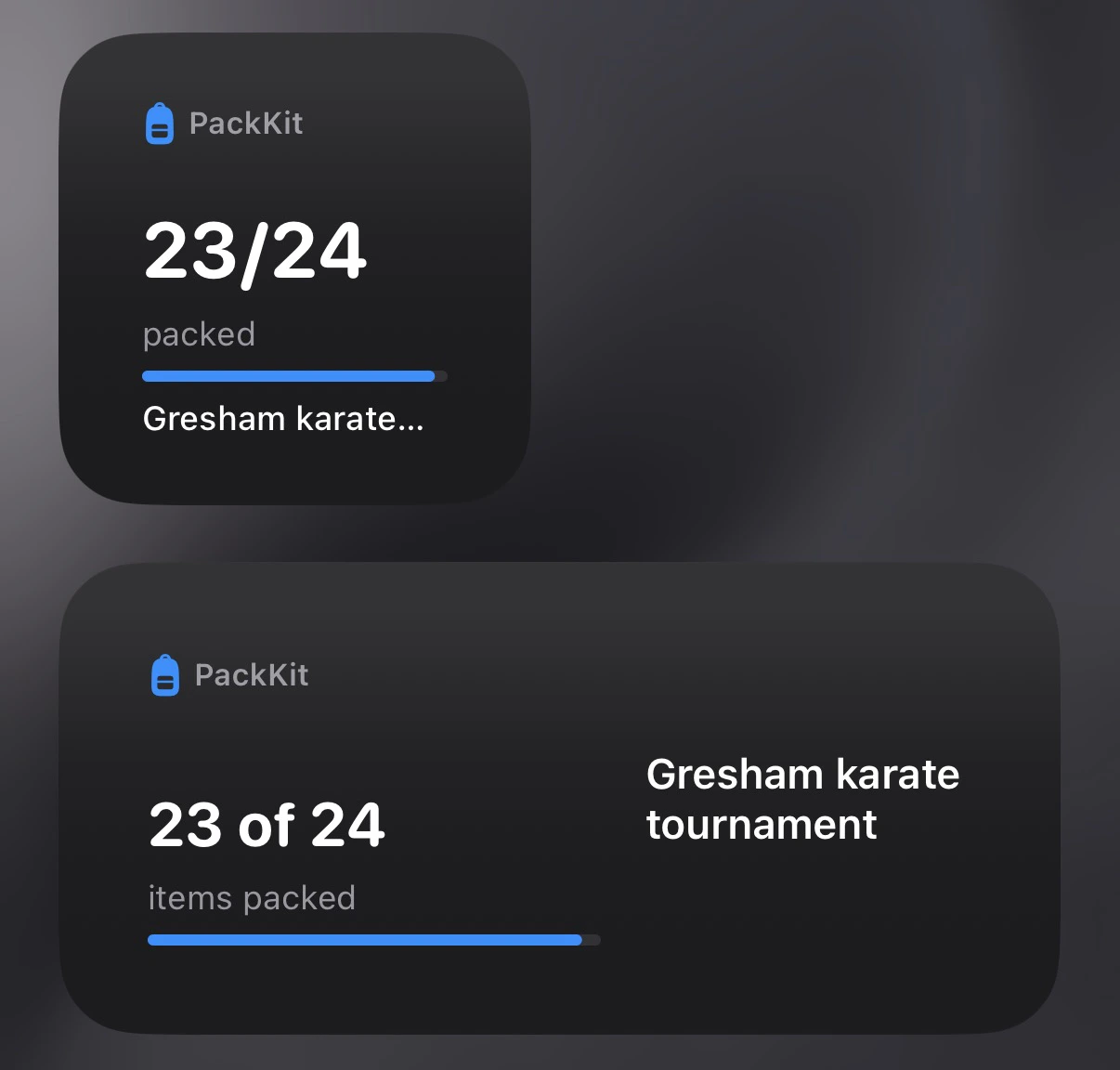
The PackKit widget shows live packing progress for your active trip directly on your iPhone home screen — no need to open the app.
The home screen widget is iOS only and requires a Pro subscription.
The widget reflects your current packing state and updates as you check items off in the app.
- On your iPhone, long-press an empty area of the home screen until the icons jiggle.
- Tap the + button in the top-left corner.
- Search for PackKit.
- Choose the small or medium widget size.
- Tap Add Widget, then drag it to where you want it.
- Tap Done.
The widget activates automatically once you have an active trip and a Pro subscription.
Troubleshooting
Widget shows “No active trip” — Make sure you’ve set a trip to Active status. Only one trip can be active at a time. See Trips & Templates for how to change a trip’s status.
Widget isn’t updating — iOS controls how frequently widgets refresh. Open the PackKit app briefly to prompt an update.
Widget not available — Confirm you have an active Pro subscription. See Settings to check your plan.